How To Use Real State Scraper

How To Use Real State Scraper

1 minute, 56 seconds Read

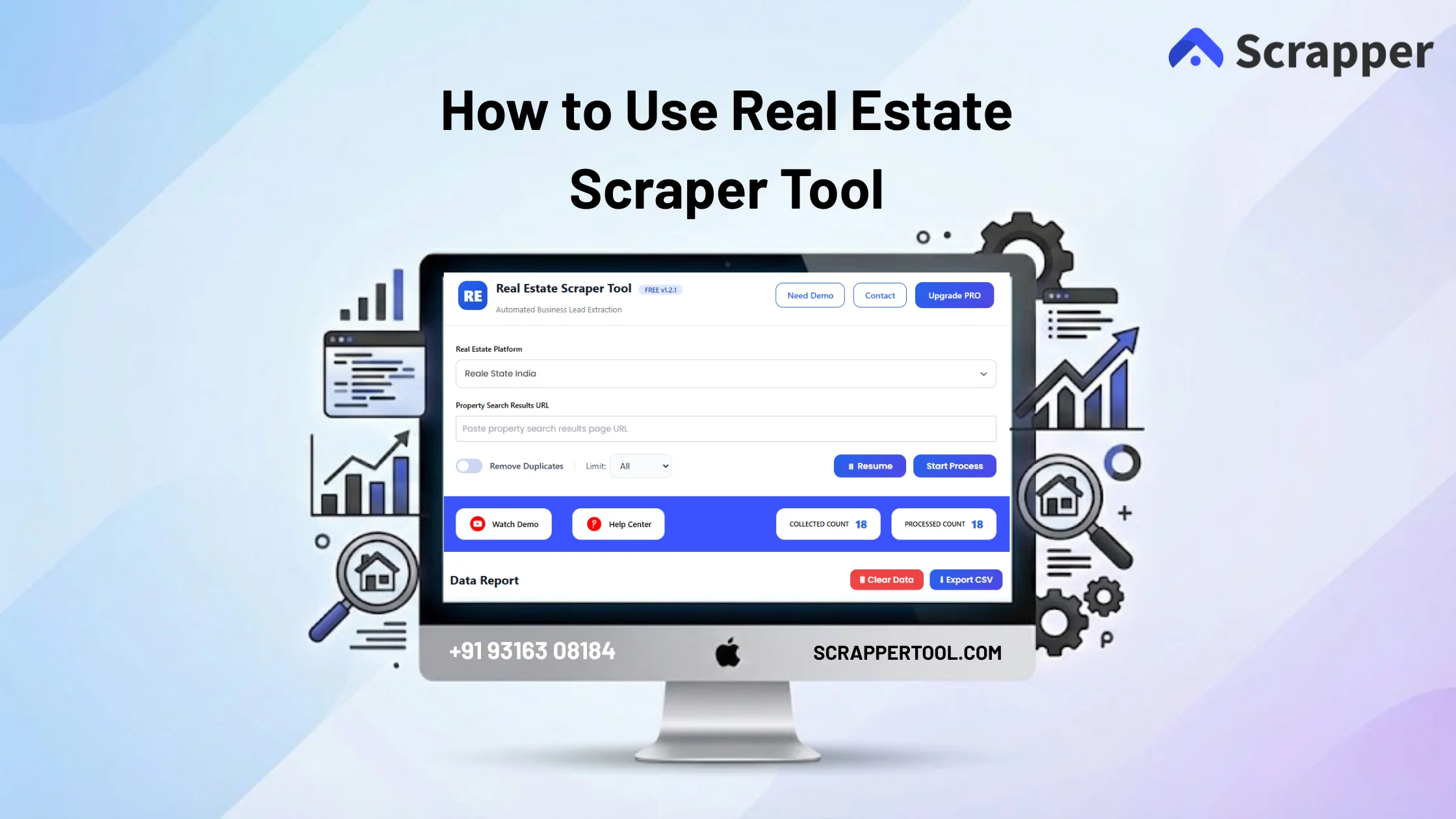
Real Estate Scraper is a smart tool that automatically collects data from real estate websites, such as property name, link, price, phone number, and location.

It eliminates the need for manual copy-paste and allows you to quickly, accurately, and at scale analyze or export data in one place, making it highly useful for research, lead generation, and market analysis.

Step By Step Guide on Real State Scraper

  • First go to this page “Real state scraper Tool and click on “Install from Chrome Web Store” Button.
  • On Installation Click on “Add to Chrome” Button for the download the chrome extension.                                                                    Real State Extension Web Store
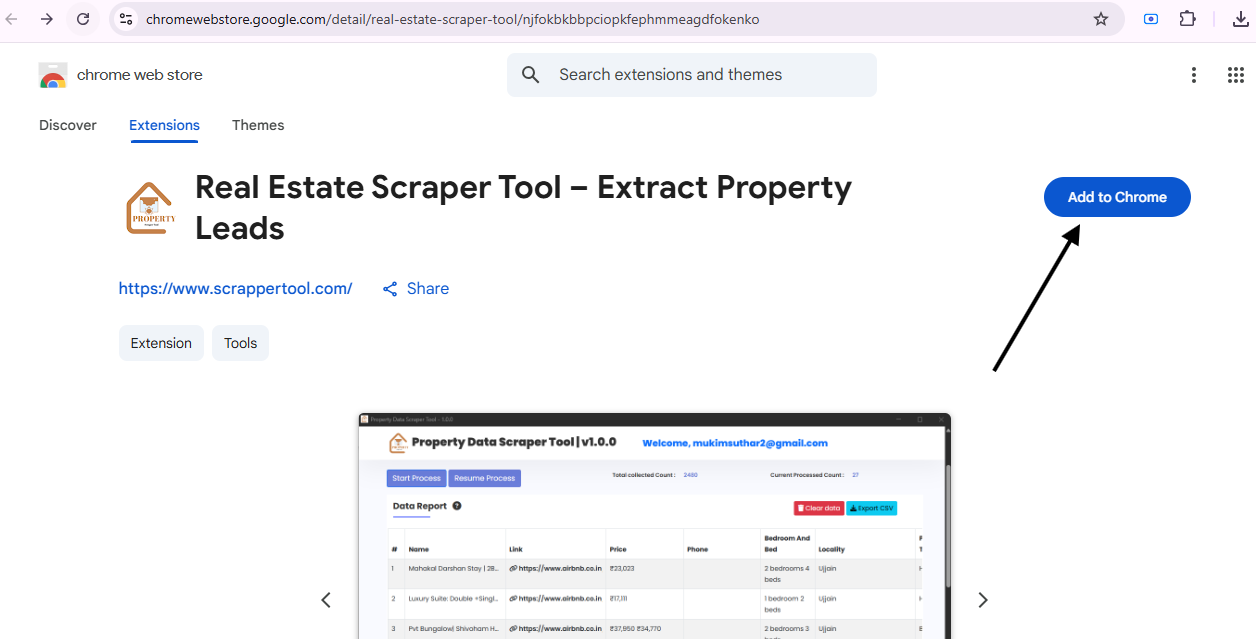
  • Once you press the button, a small window will appear on your screen.                                                              Real State Extension Pin
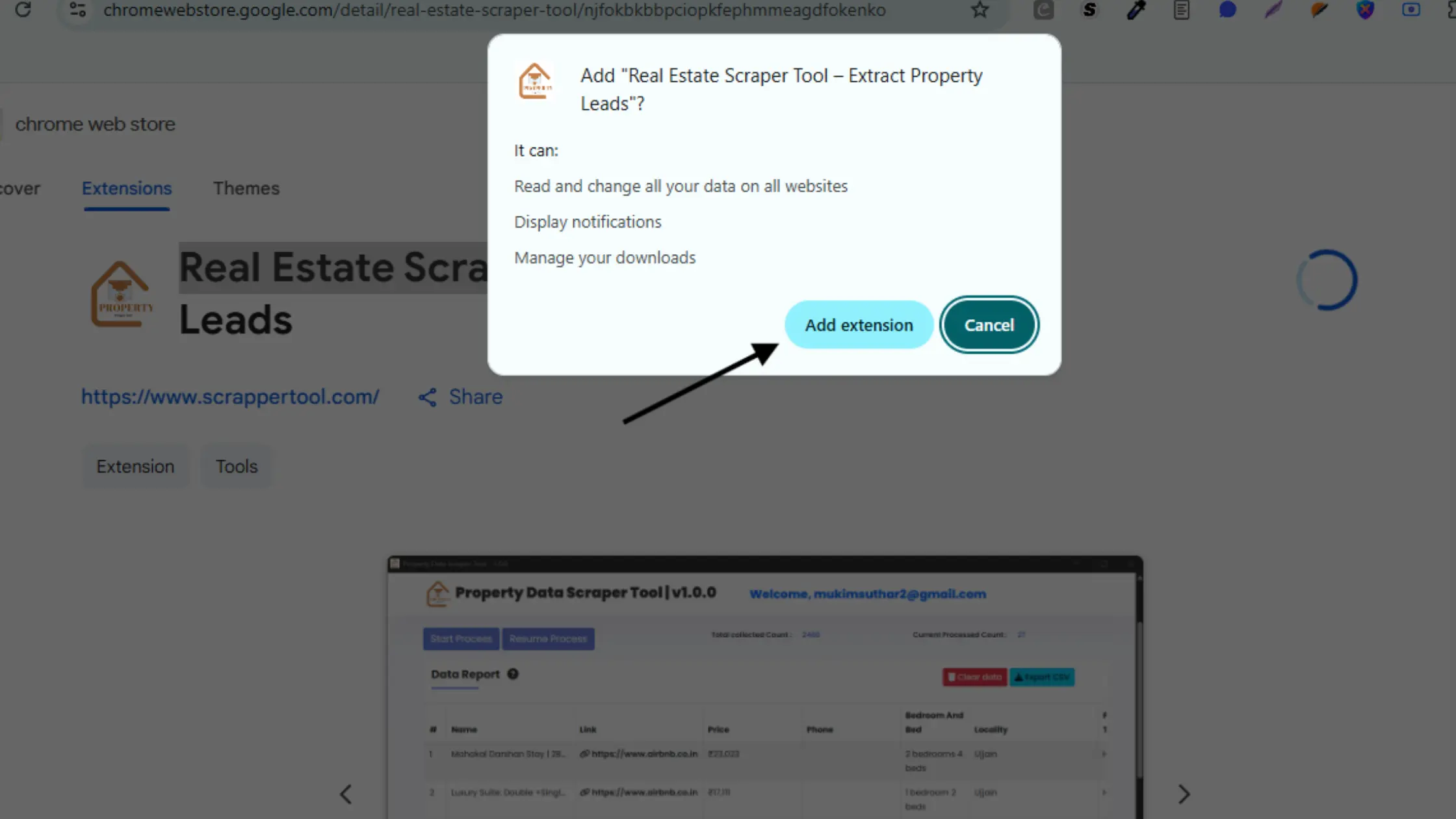
Add Real Estate Scraper Tool into Chrome

  • From URL bar on right Side You Will see Action Icon so Click on browser action icon.
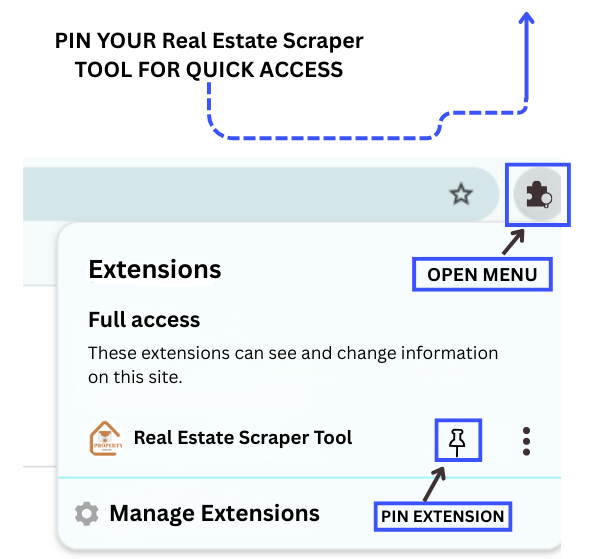
Real Estate tool pin extension by scrapper tool

Read Also: How to use Yellow Pages Scraper Chrome Extension

Start the Real Estate Scraper Tool

  • After pin the extension, click on our Real State Scraper Chrome Extension and then  You can see the popup like a below.
  • For the free trial you just feel the form.
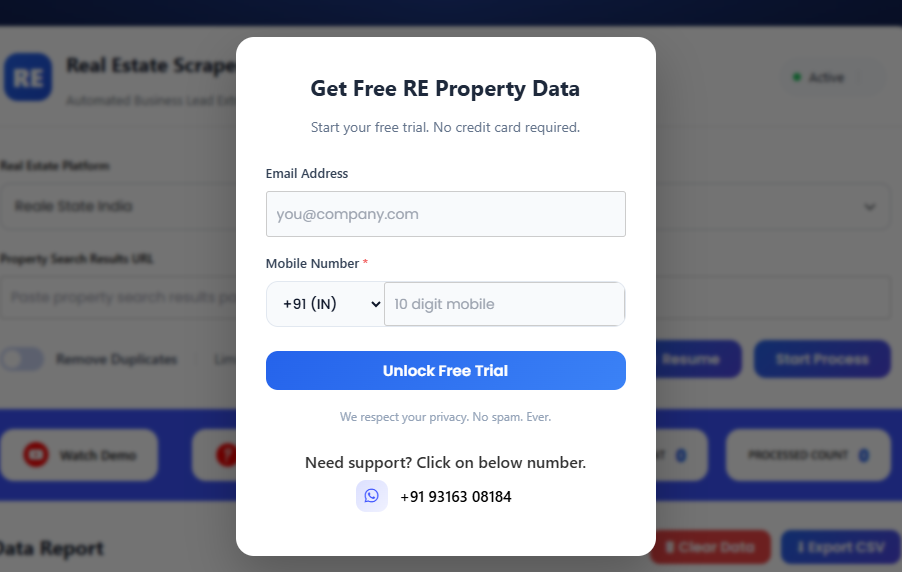
Real State Fee Trial

  • Please select your desired platform from the Real Estate dropdown.
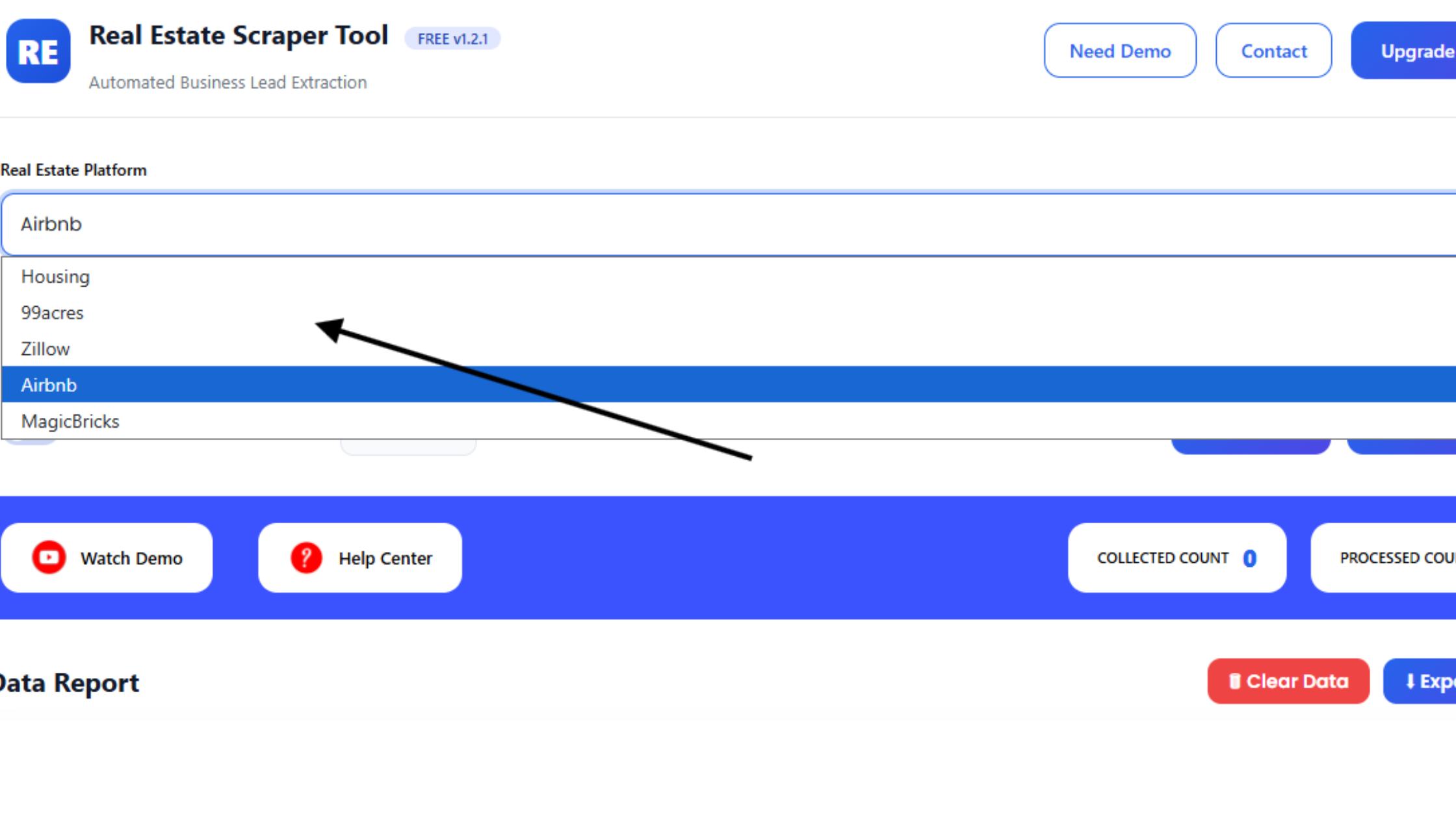
Rel State Extension Drop Down

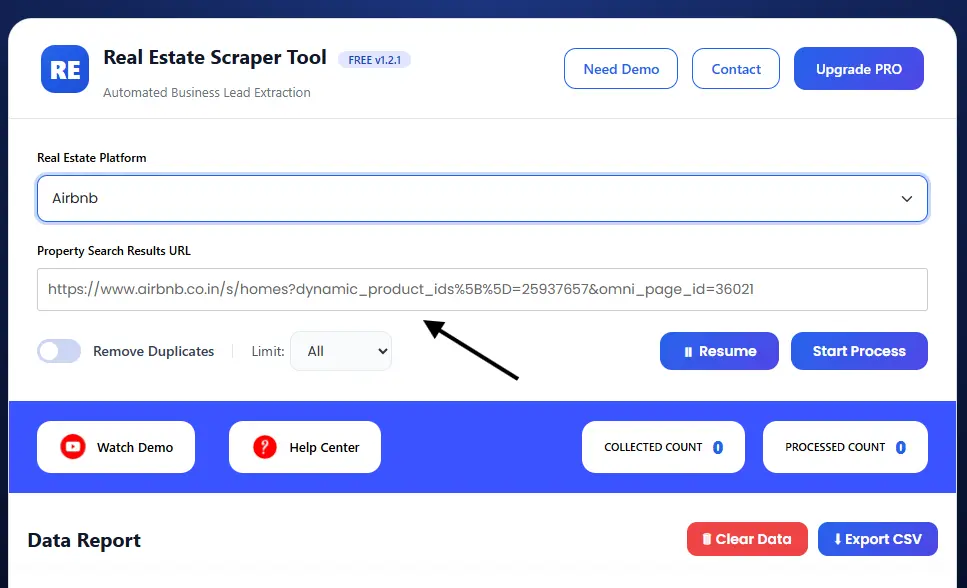
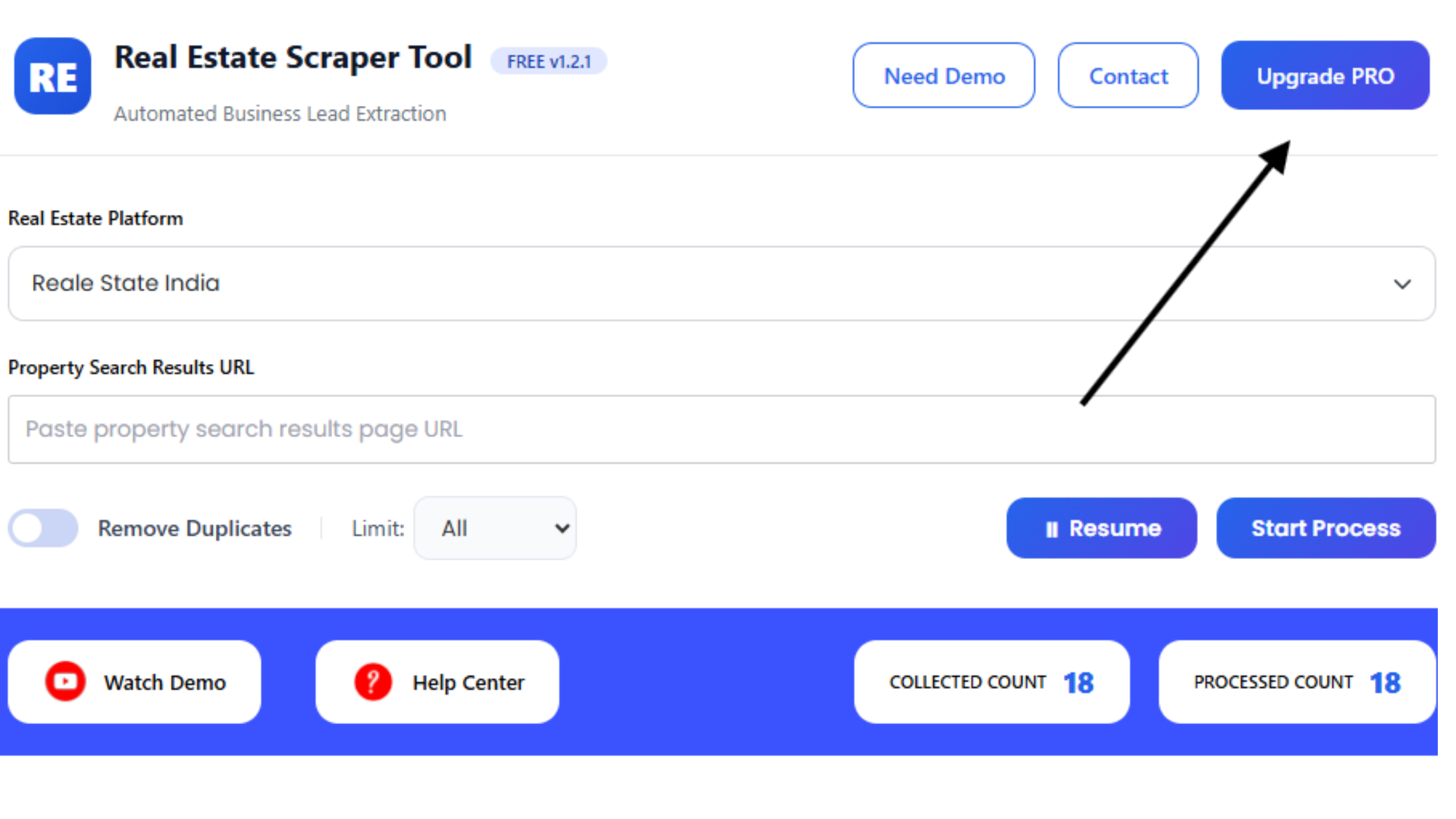
  • Enter URL of Your Platform

  • As seen in below Screenshot We enter Airbnb URL in URL Bar                                                                                                   
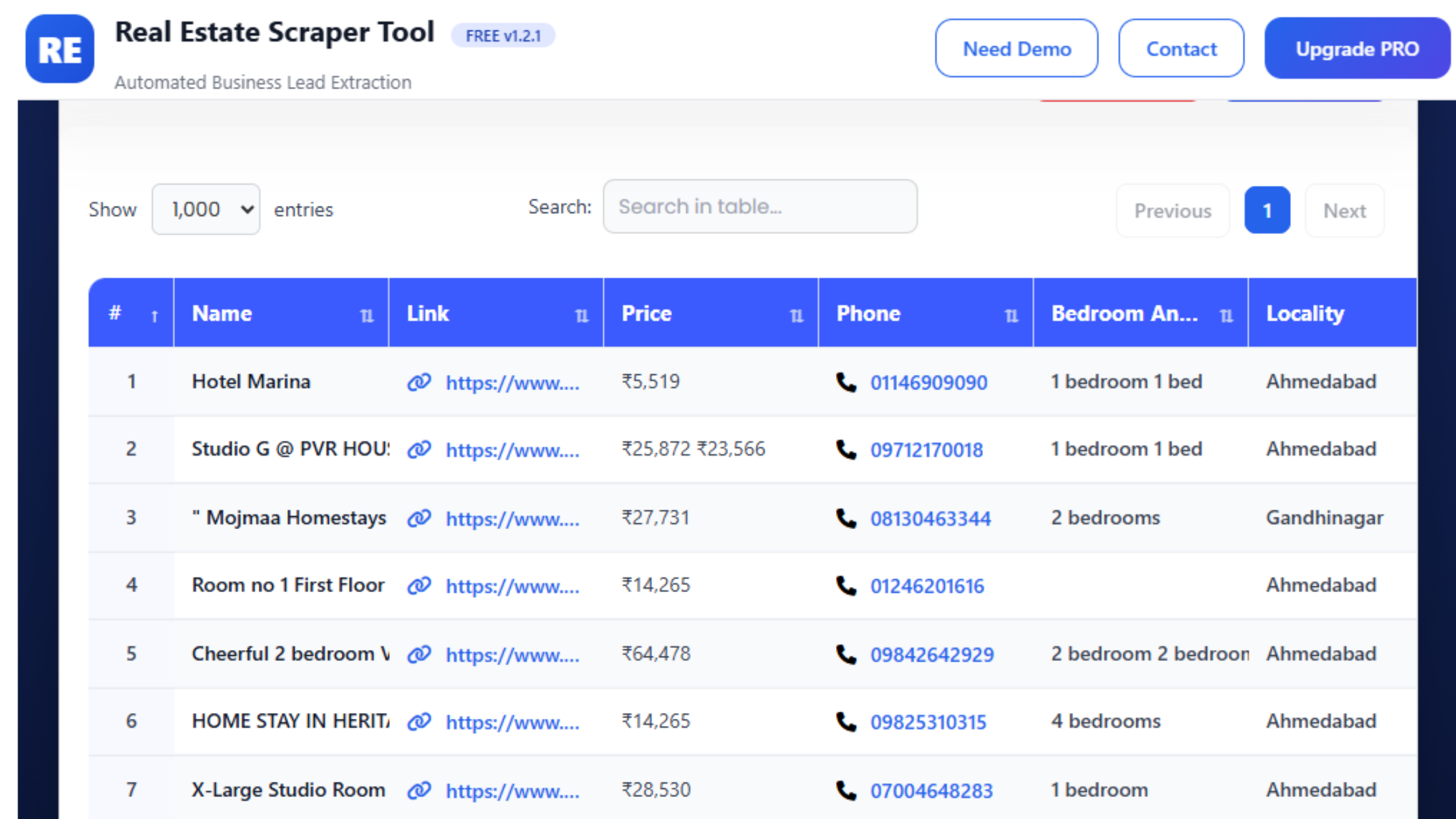
Upgrade to The Pro Version of The Real Estate Scraper Tool

  • If you want to purchase our Chrome extension you can go to contact us page.
  • You can contact us directly via our phone number, WhatsApp, or Email.
 

       Contact Details


  • We have a YouTube Video of the Process you can see below.

Supported Real Estate Platforms

The Real Estate Scraper Tool supports multiple real estate platforms, including:

  • Housing – Scrape residential property listings and related data

  • 99acres – Extract buy, sell, and rental property listings

  • Zillow – Collect real estate listing data from the US market

  • Airbnb – Scrape short-term rental property data

  • Magicbricks – Extract property listings and contact information

  • Real Estate India – Scrape data from Indian residential and commercial platforms

  • NoBroker – Extract property listings directly from the platform

With Scrapper Tool, you can quickly scrape real estate data from all supported platforms with speed, accuracy, and scalability.


author

Scrapper Tool

Scrapper Tool Blog shares updates, guides, and insights on web scraping tools, scraper extensions, and lead generation techniques. It is the most popular web scraping & web automations extension.

Similar Posts

Leave a Reply

Your email address will not be published. Required fields are marked *