
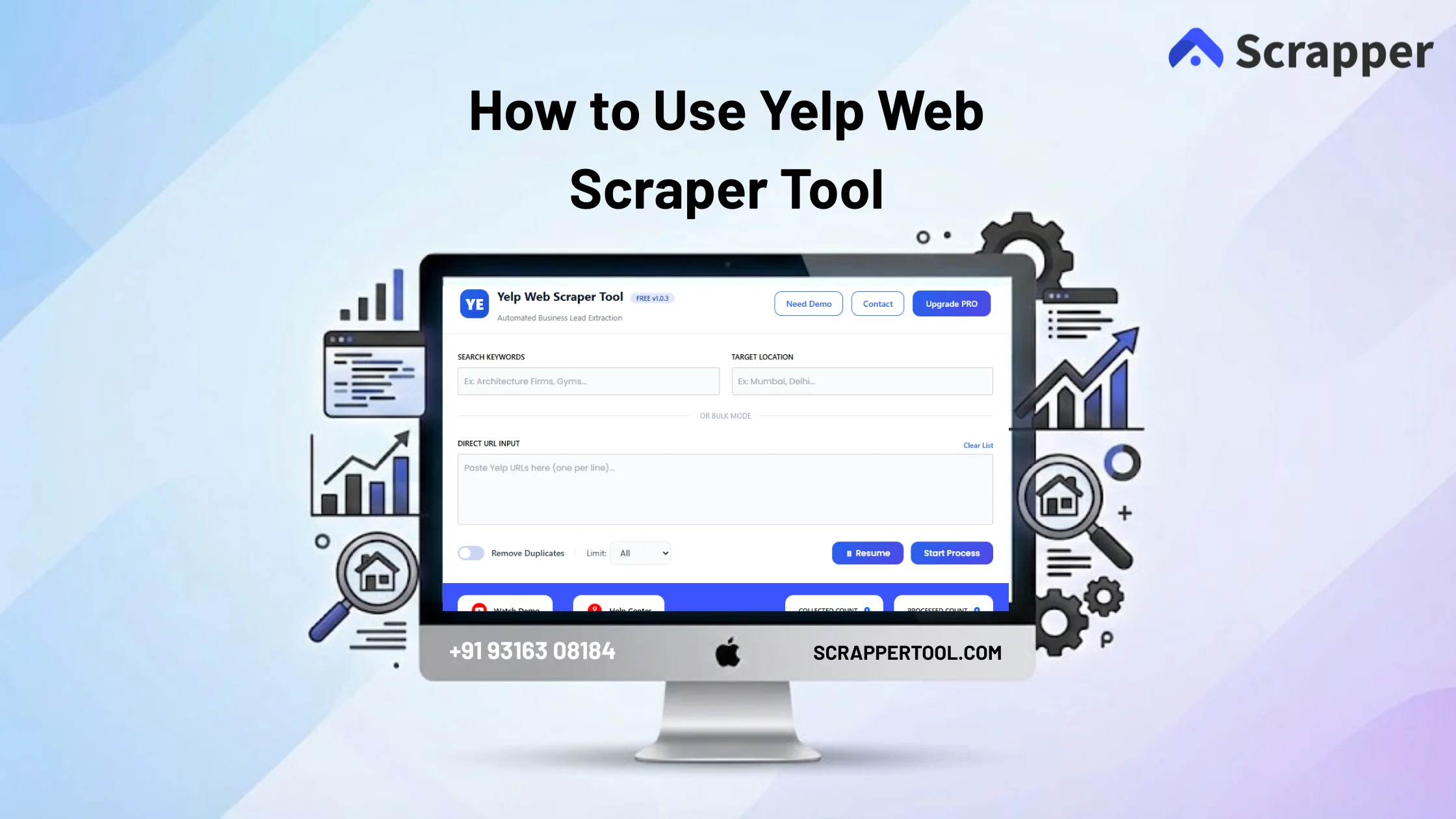

The Yelp Scraper Tool is a powerful automation solution designed to help you extract business data directly from Yelp without any manual effort.
With this tool, you can quickly collect business names, website URLs, phone numbers, email addresses (if available), ratings, categories, and locations from Yelp listings in just a few steps.
It removes the need for manual searching and copy-pasting, allowing you to gather clean, structured data at scale—perfect for lead generation, sales outreach, market research, and business analysis.
What Data Can You Extract from Yelp?
Using the Yelp Scraper Tool, you can extract:
-
Business name
-
Address
-
Phone number
-
Business category
-
Ratings & reviews count
All extracted data is organized automatically and can be downloaded in CSV or Excel format.
Who Can Use the Yelp Scraper Tool?
This tool is ideal for:
-
Digital marketing agencies
-
B2B sales teams
-
Lead generation professionals
-
Local service providers
-
Market research companies
-
Entrepreneurs & startups
If your business depends on high-quality business leads, this tool saves hours of manual work.
Step-by-Step Guide to Using the Yelp Scraper Tool
Step 1 – Install the Yelp Scraper Tool
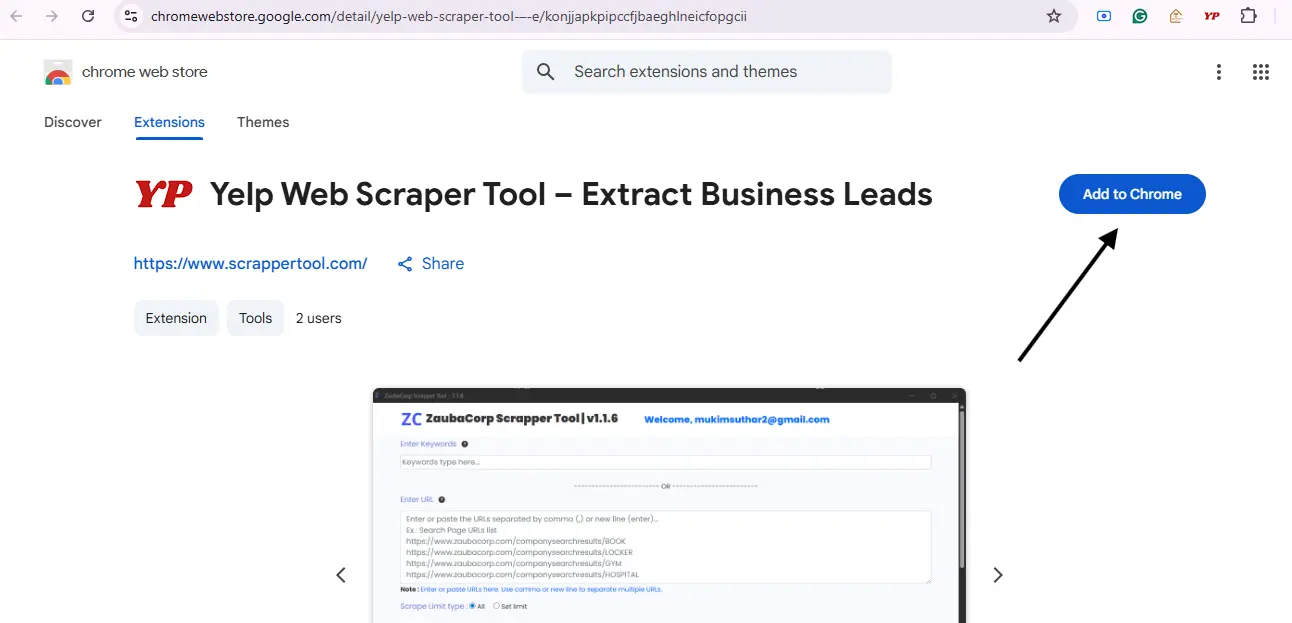
Visit the Yelp Scraper Tool page and click on “Install from Chrome Web Store”.
Then click “Add to Chrome” to install the extension successfully.
Step 2 – Pin the Extension
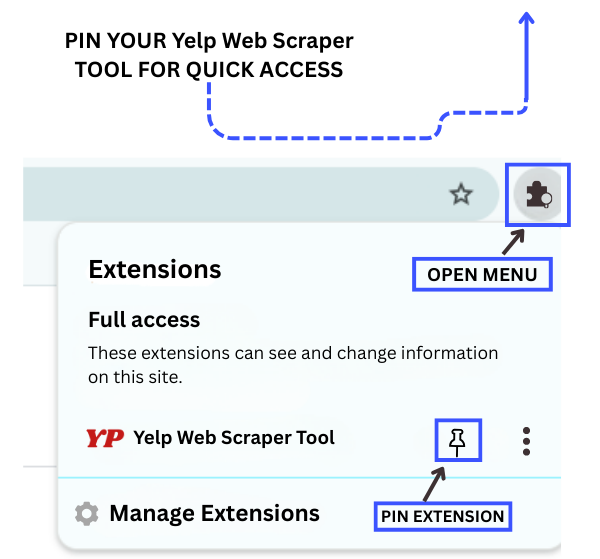
After installation, open the Chrome Extensions menu and pin the Yelp Scraper Tool so it remains easily accessible in your browser.
Step 3 – Start the Free Version
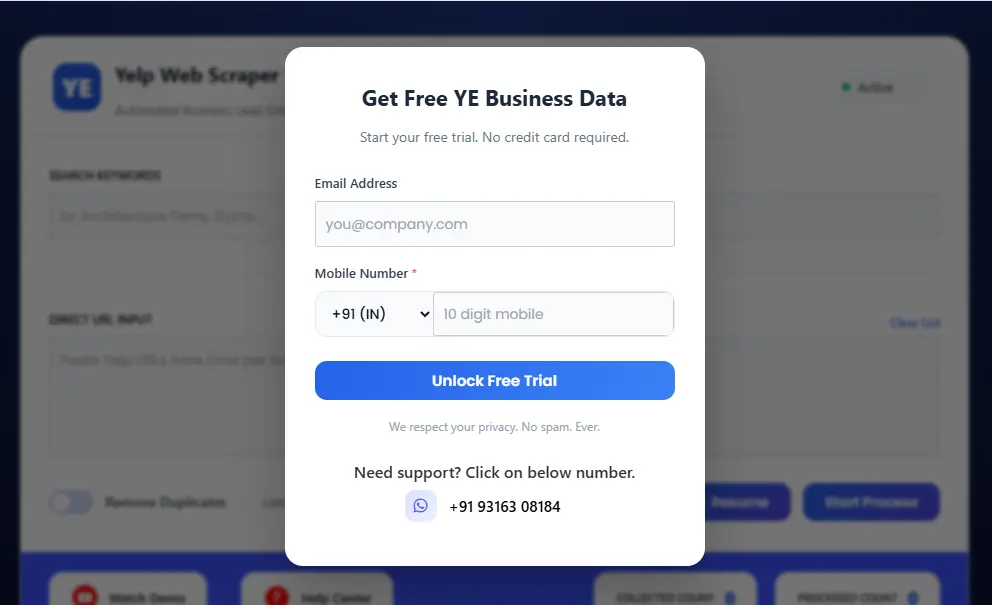
Once the extension is pinned, click on the Yelp Scraper Tool in your Chrome browser. This will open a popup where you can complete the form to access the free trial.
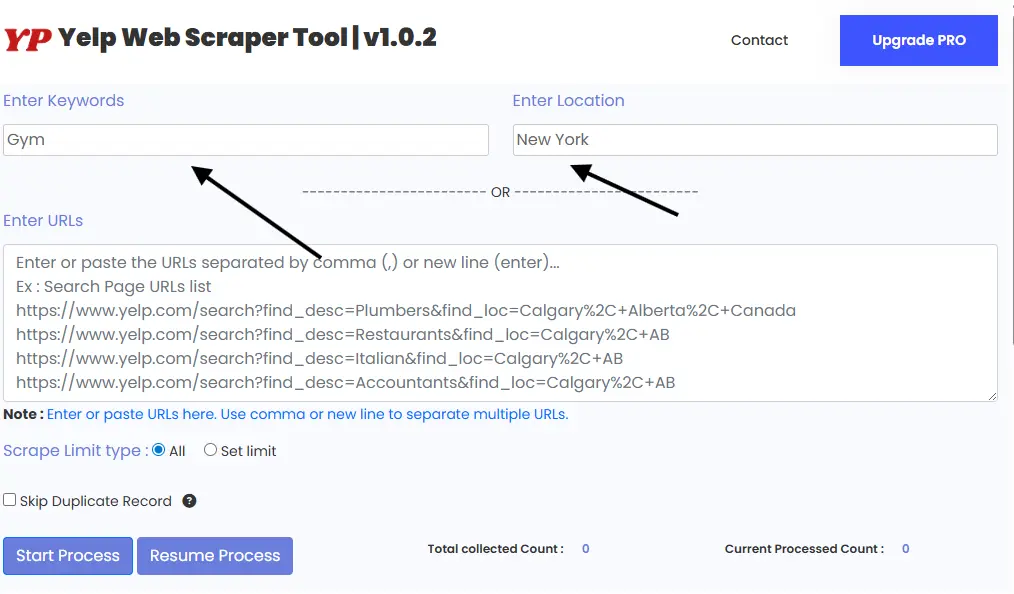
Step 4– Enter Keyword & Location or Yelp Search URL
Enter your Keyword and and location
(for example: Gym in New York or Digital Marketing Agencies in NewYork).
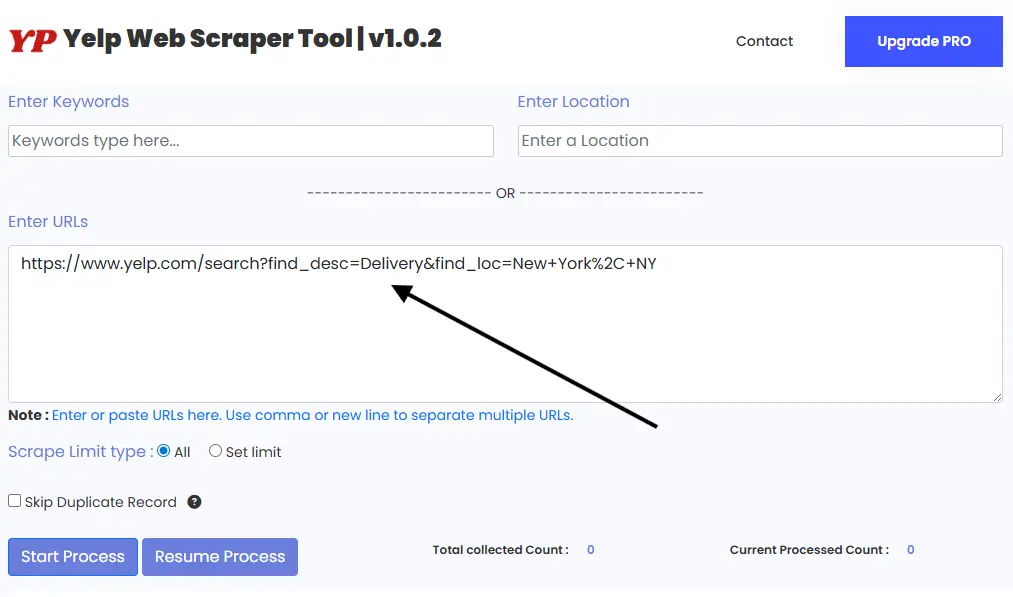
Copy the full search results page URL and paste it into the scraper tool.
Step 5 – Start Data Extraction
Click the Start Process button.
The tool will automatically scan the Yelp listings and extract business data in real time.
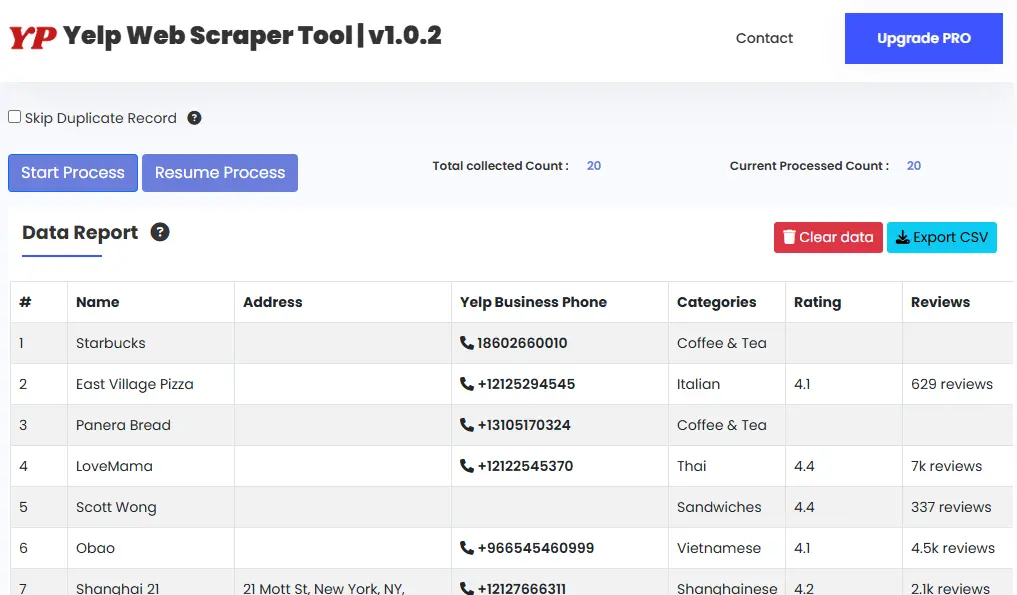
Export Yelp Business Data Instantly
Once the scraping process is complete, all collected data will be available in a structured table and can be downloaded instantly in CSV or Excel format.
You can directly use this data for:
-
Sales outreach
-
Email marketing
-
CRM uploads
-
Business research
Upgrade to the Pro Version
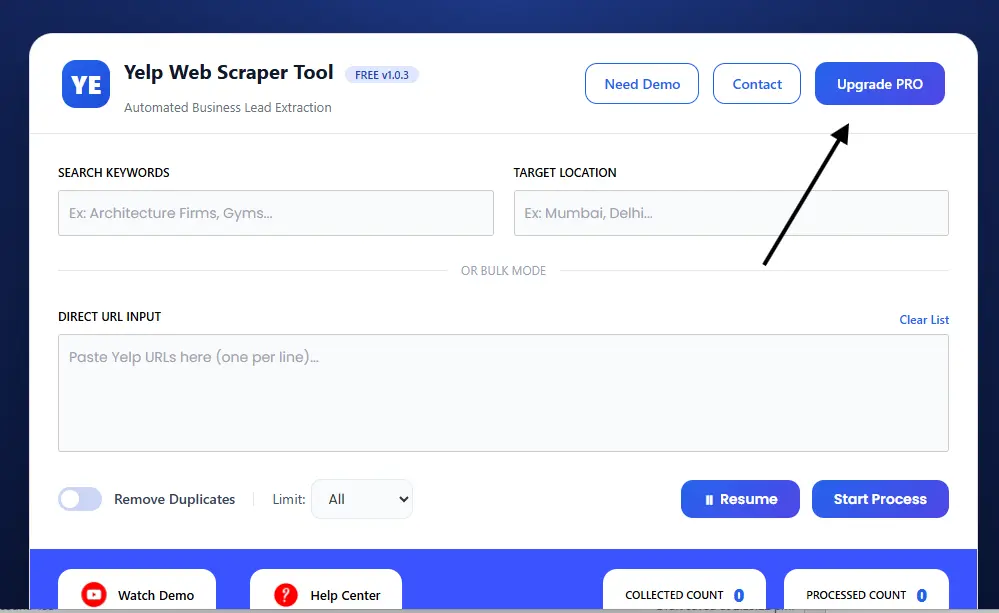
To unlock advanced features, higher scraping limits, and faster extraction, upgrade to the Pro Version of the Yelp Scraper Tool.
📧 Email: info.scrappertool@gmail.com
📞 Phone / WhatsApp: +91 93163 08184
Watch the Full Video Tutorial
We also provide a complete YouTube walkthrough explaining the full Yelp scraping process step by step:
