

Collecting product and supplier information from IndiaMart manually can be time-consuming. Users often search for products, open multiple listings, copy details like company name, price, contact information, and then organize everything in spreadsheets.
This process is repetitive and makes it difficult to handle large amounts of B2B data efficiently.
For business owners, sourcing agents, marketers, and research teams, manual data collection limits productivity and slows down decision-making.
The SellerMart Scraper Tool by Scrapper Tool helps automate this entire workflow by extracting structured product and supplier data directly from IndiaMart listings in just a few clicks.
IndiaMart scraping tools are widely used to collect product details, supplier information, pricing, and contact data for business analysis and lead generation.
Install SellerMart Scraper Tool
- You can click on the https://www.scrappertool.com/services/i-m-data-scrapper.html link and click the “Install from Chrome WebStore” button.
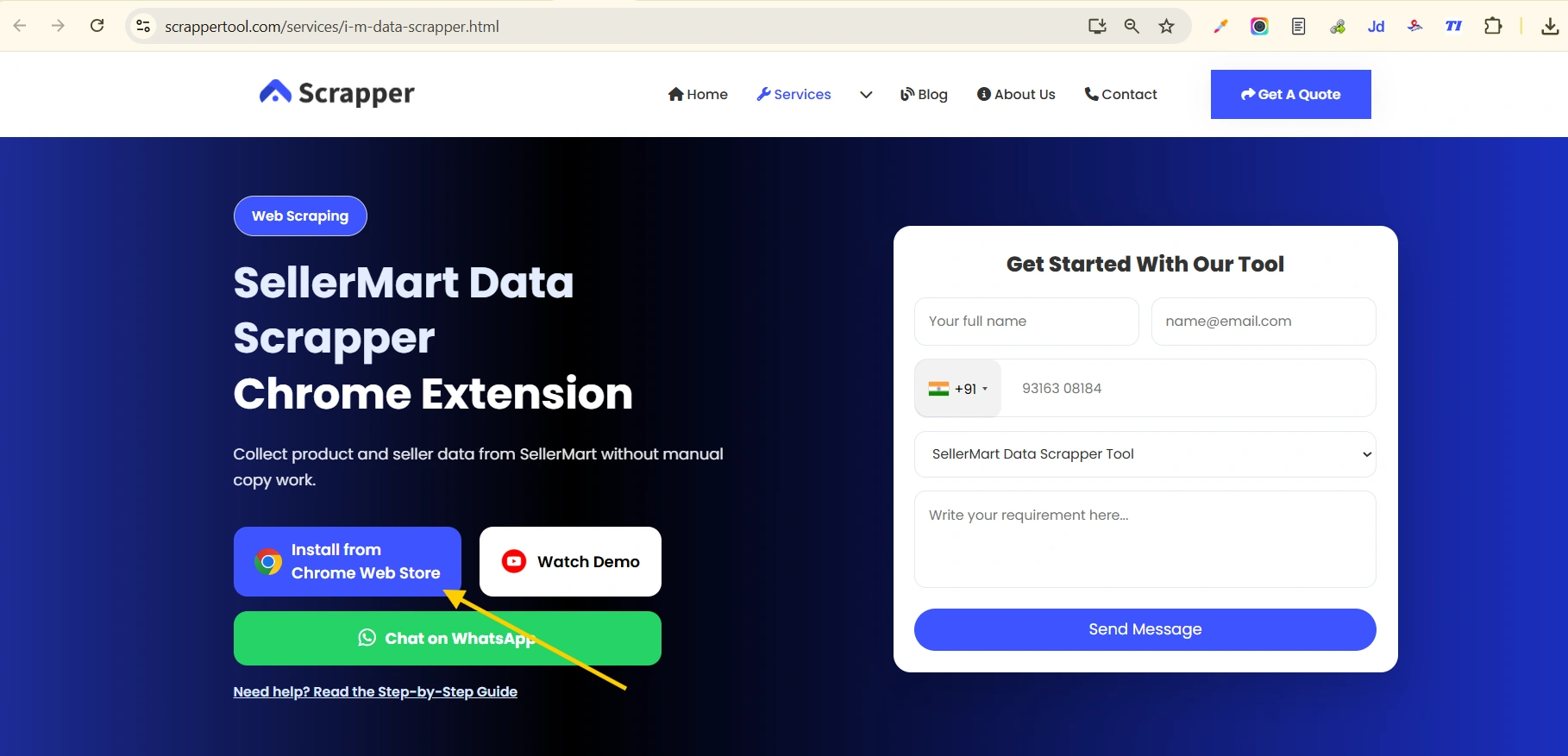
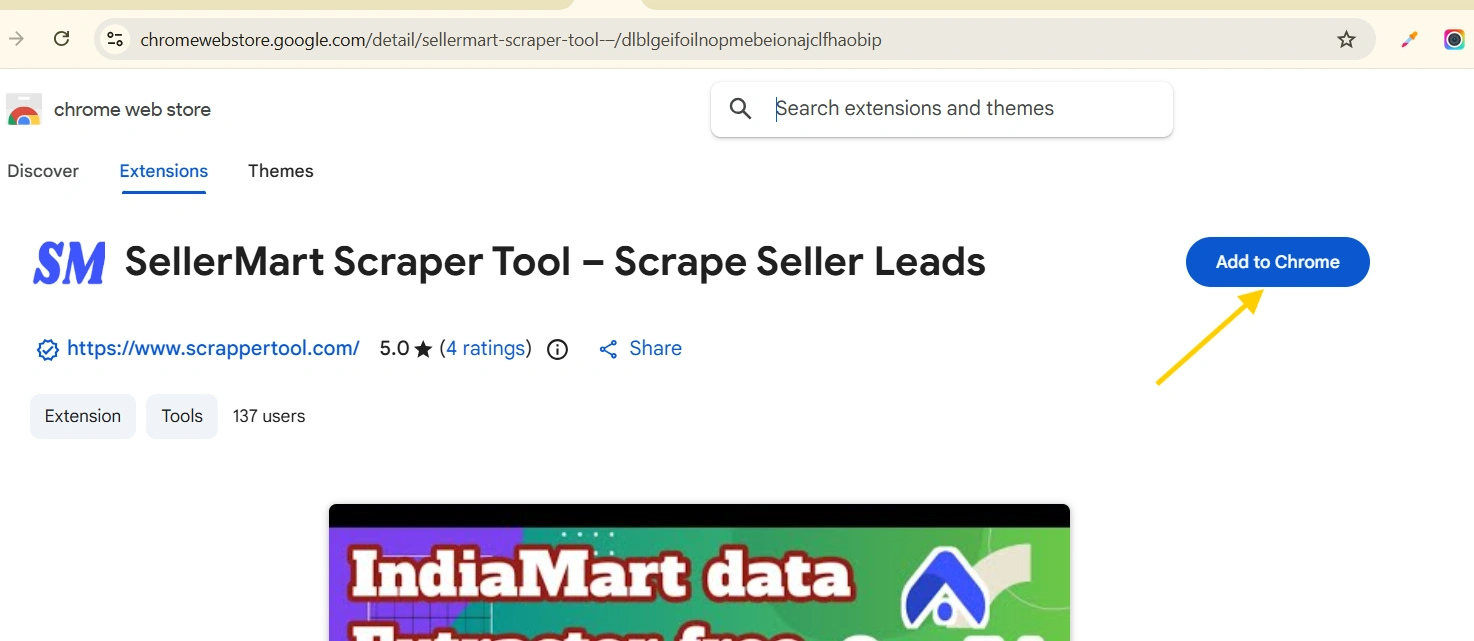
- You can Directly Go to our Sellermart Scraper Tool page to Install it. Click on the text you will redirect to the SellerMart Scraper Tool in Chrome Web Store.
- If you are a seller on India mart then you can use our SellerMart Lead Extractor Tool.
Read More:- Facebook Scrapper Tool Guide
Pin the SellerMart Data Scraper Tool for Easy Access
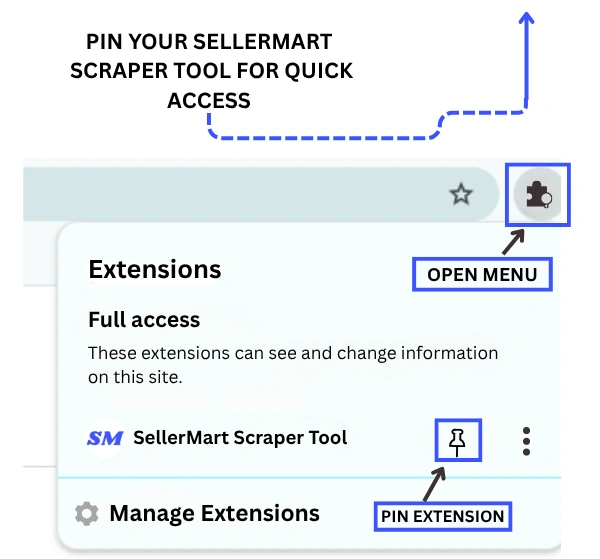
- Now go to the Chrome URL bar and then on the right side you can see the “Browser Action” Icon. Click on that icon then you can see the Sellermart Scrapper Tool Extension click on the arrow icon to pin that Chrome extension in the Chrome URL bar.
Read More:- Justdial Scrapper Tool Guide
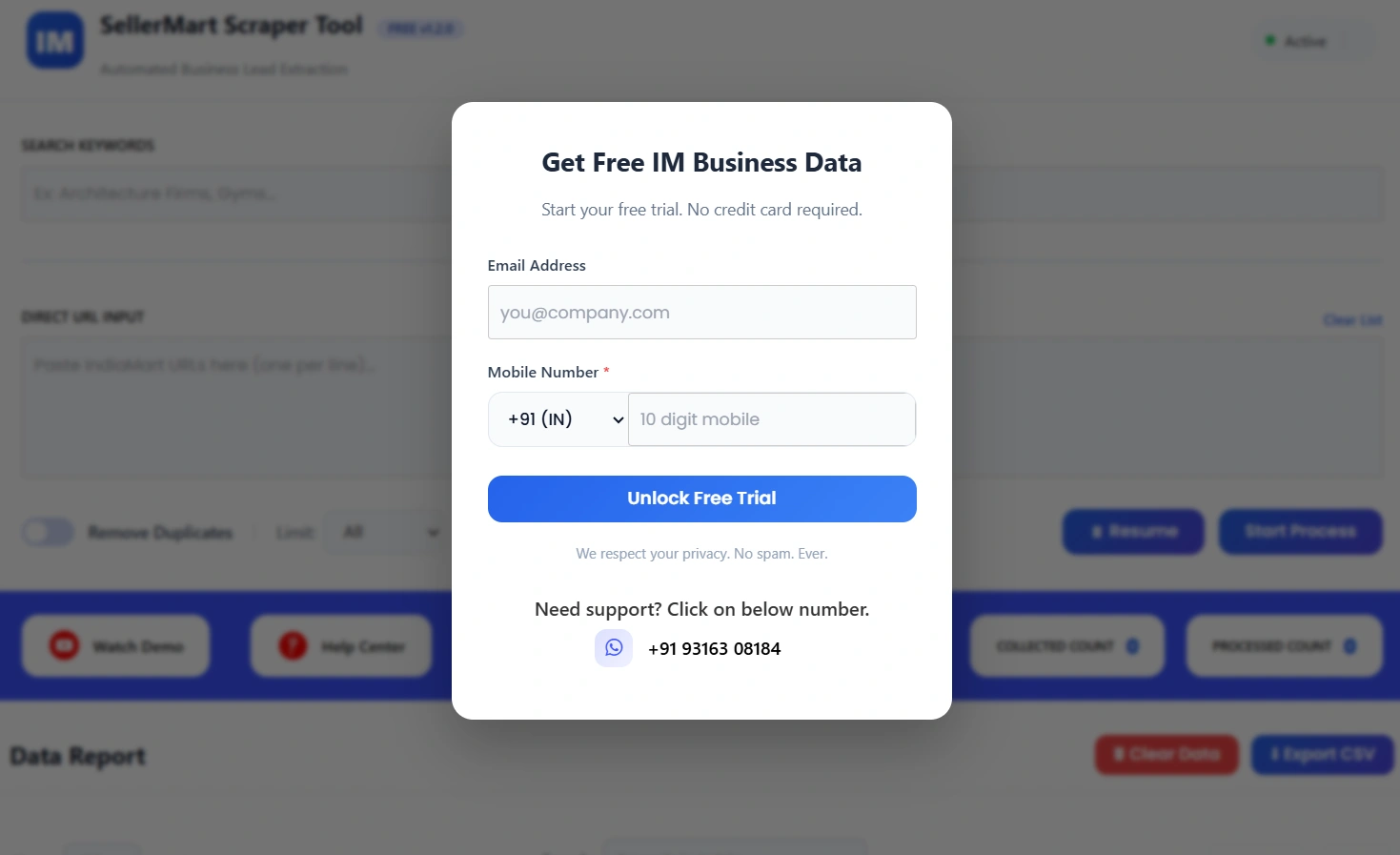
Start the SellerMart Data Scraper Tool
Now click on the pinned Etsy Scraper Tool icon.A small window will open on your screen.
Fill in the simple form shown there to activate the tool.Once completed, the tool becomes ready to use.
Start Scraping data from SellerMart Data Scraper Tool
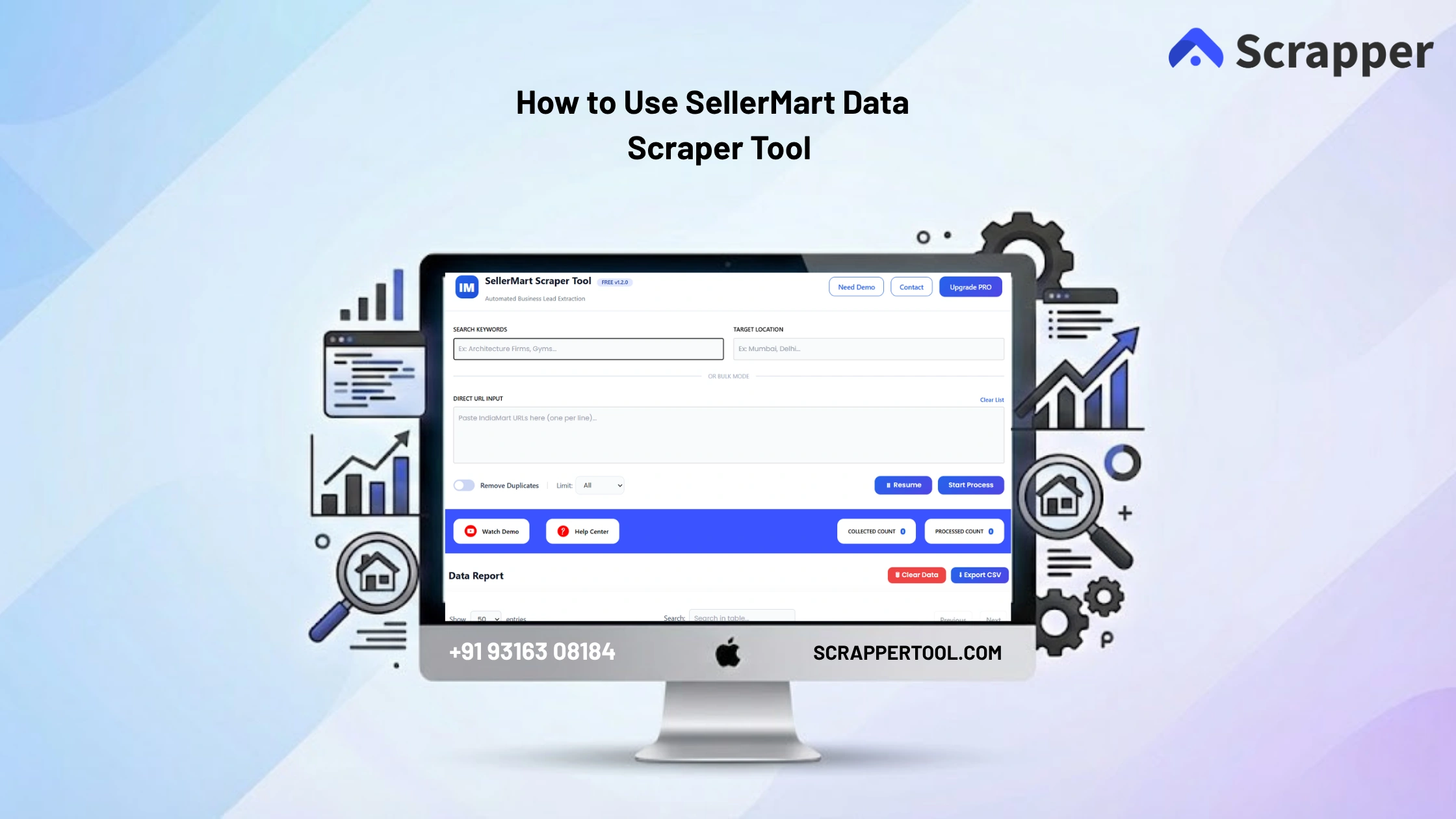
- Now you can see the below screen.
- Now as Described in the screenshot
- Enter Keyword
- Enter Location
- Or You can Enter the Sellermart Search Result Page URL
- You can set a limit on the Scrape Limit type or select All
- If you want to skip duplicate records then click on the toggle
- Click on the Start Process button to scrape data from Sellermart
Note:- If you want mobile number in your scraping data then you need to login in Sellermart otherwise didn’t need it.
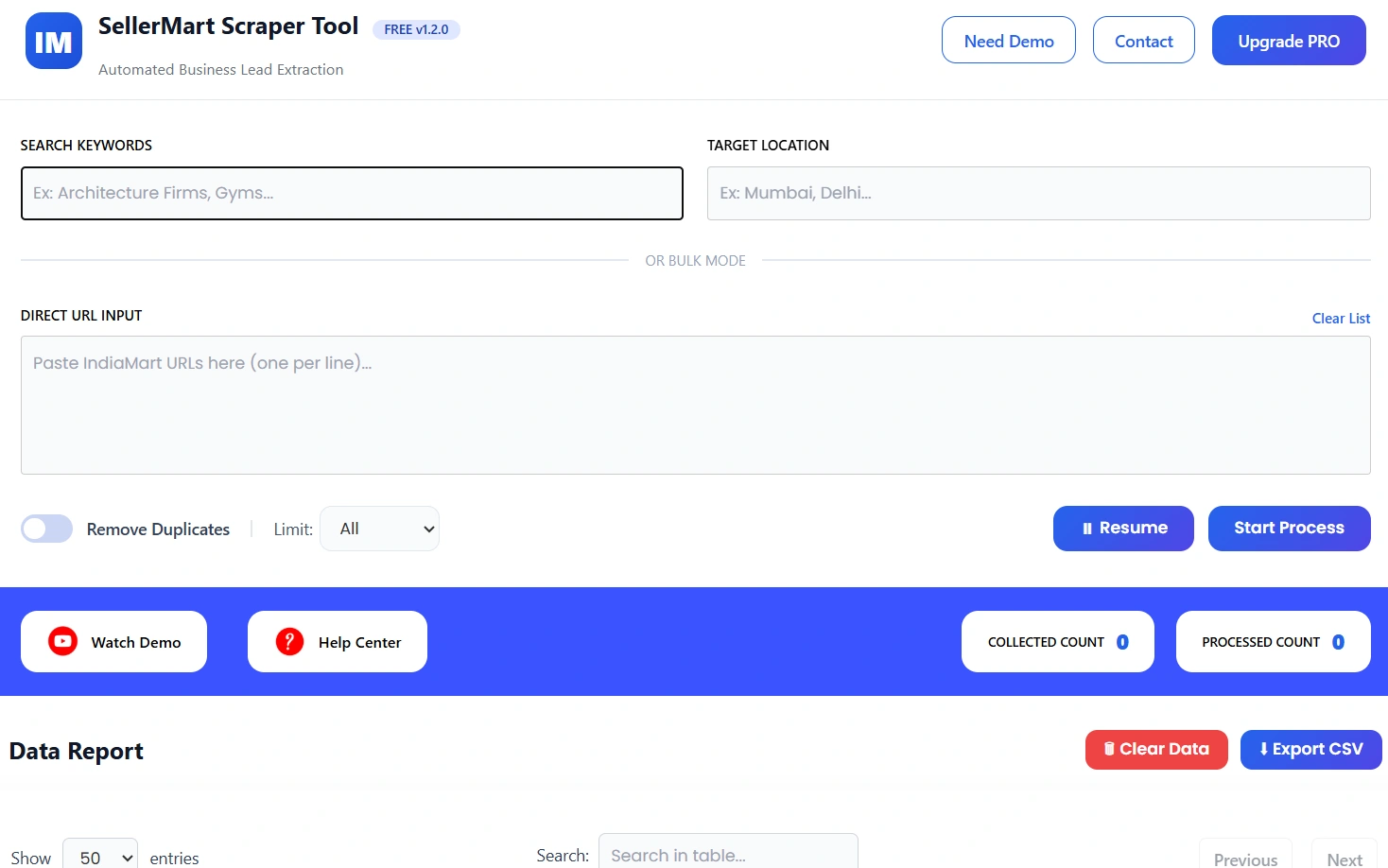
- Because of any reason if your scaping data is stop then you can resume your process on click of “Resume” button.
Read More:- Facebook Scraper
What Is SellerMart Scraper Tool?
The SellerMart Scraper Tool is a data extraction tool that allows users to collect product listings and seller information directly from SellerMart.
Instead of manually browsing and copying data, the SellerMart Scraper Tool automates the process and delivers clean, structured data that is ready for use.
Who Should Use SellerMart Scraper Tool?
This tool is ideal for:
- Ecommerce sellers
- Dropshippers
- Product researchers
- Digital marketers
- Market analysts
- Affiliate marketers
What Data Can You Extract Using SellerMart Scraper Tool?
Using the SellerMart Scraper Tool, you can extract:
- Product names
- Prices
- Seller details
- Product links
- Categories
- Ratings
All extracted data is organized and export-ready.
Use Cases
Product Research
Analyze products before adding them to your store.
Competitor Analysis
Track pricing and seller strategies.
Market Trends
Identify popular products and demand patterns.
Data Collection
Build structured datasets for ecommerce analysis.
Benefits of Using SellerMart Scraper Tool
- No manual copy-paste
- Fast and automated extraction
- Beginner-friendly interface
- Bulk data scraping
- Clean and structured output
- Easy CSV export
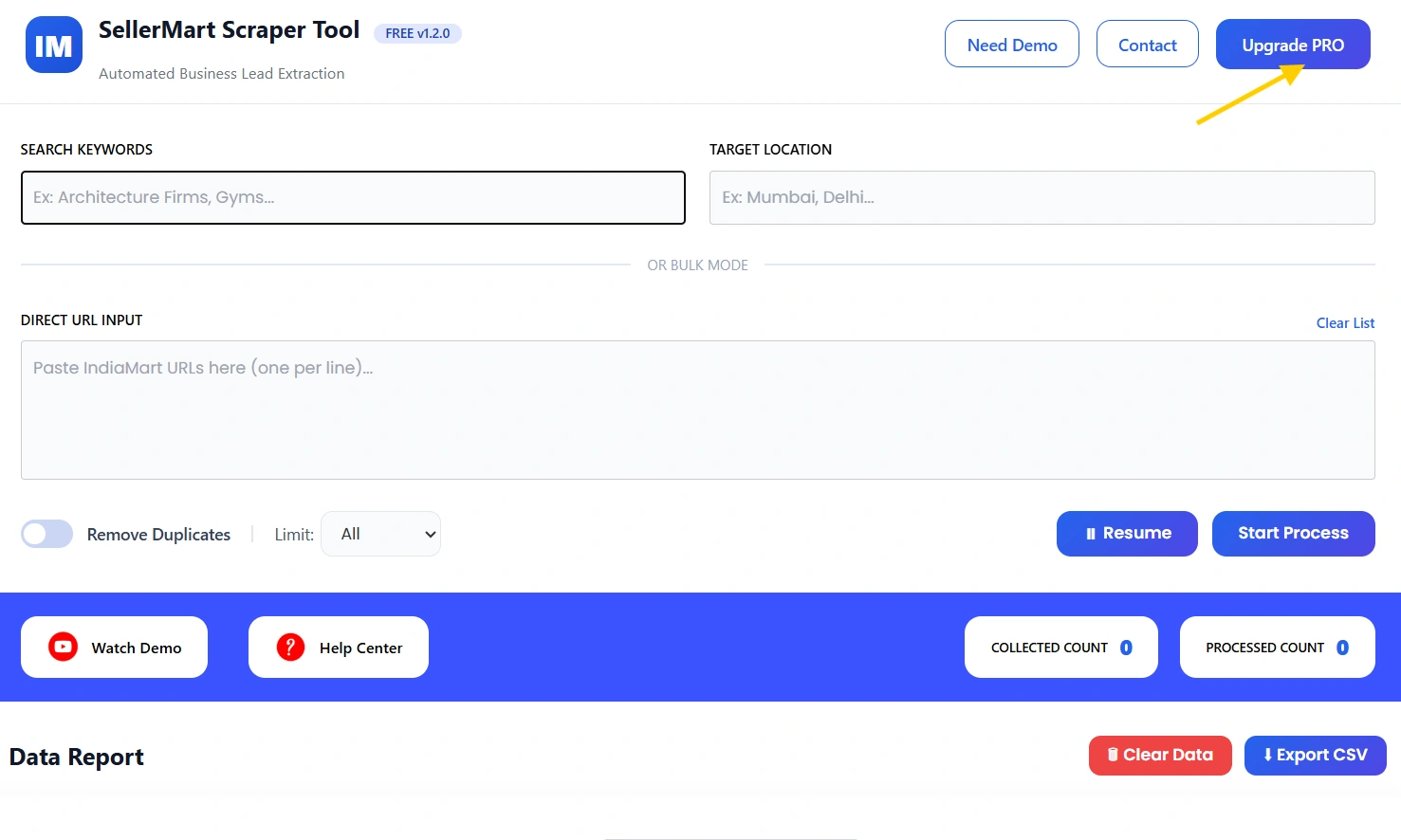
Upgrade to the Pro Version of the Sellermart Scraper Tool
- If you want to purchase our Chrome extension you can go to contact us page.
- You can contact us directly via our phone number, WhatsApp, or Email.
Contact Details
- Email us:- info.scrappertool@gmail.com
- Call us:- +91 93163 08184
Watch the Complete Video Guide
We also provide a step-by-step video tutorial explaining how to use the SellerMart Scraper Tool.
The video covers:
- Searching products
- Running the scraper
- Reviewing extracted data
- Downloading CSV files
▶ Watch the full video tutorial on YouTube
