
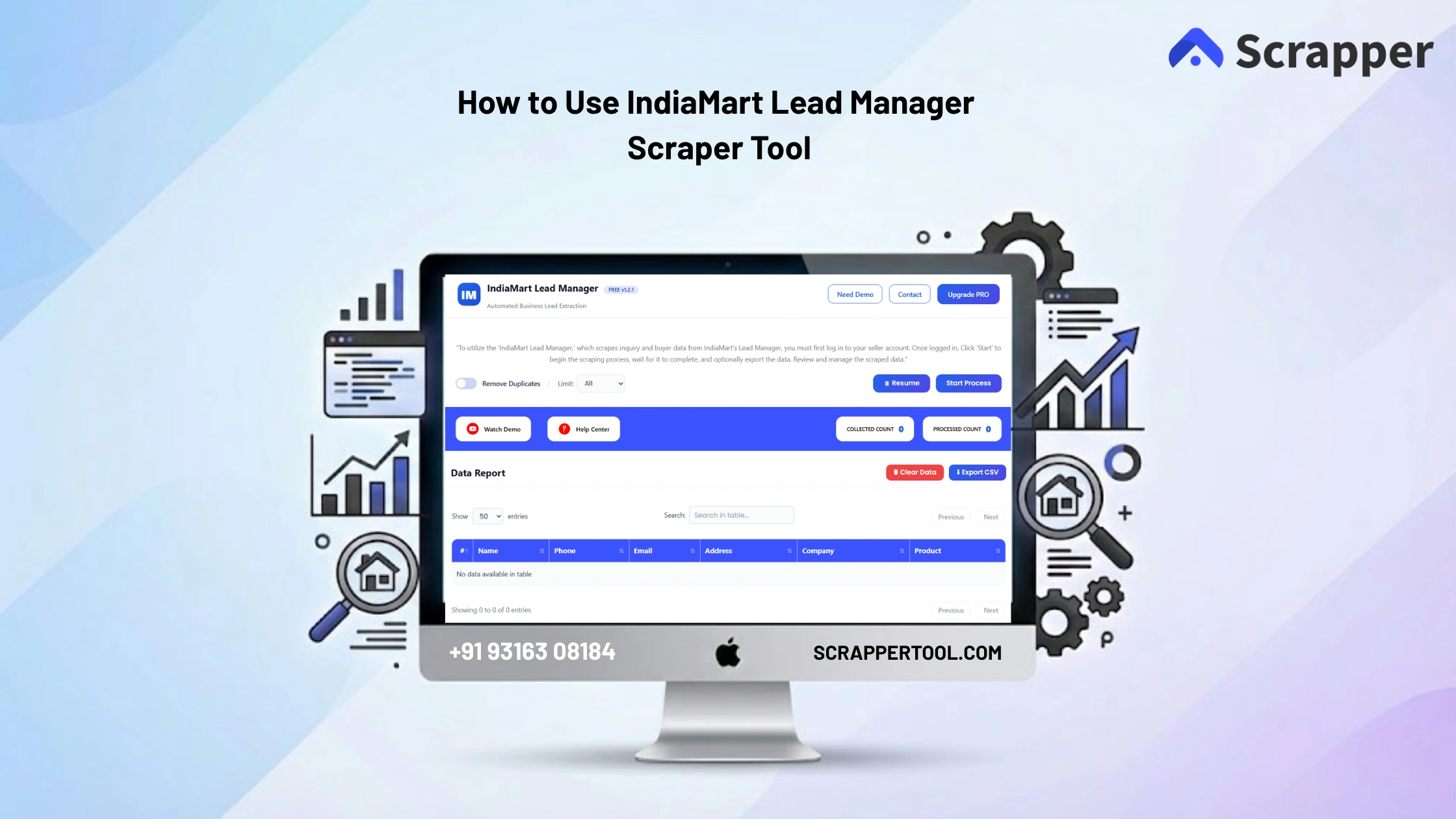

Managing buyer inquiries on IndiaMart manually can take a lot of time. Sellers often log in to their dashboard, open each inquiry, copy buyer details like name, phone number, product interest, and then paste everything into spreadsheets.
This process is repetitive and makes it difficult to manage leads efficiently.
For business owners, sales teams, and IndiaMart sellers, manually handling inquiries can slow down response time and lead management.
The IndiaMart Lead Manager Tool by Scrapper Tool solves this problem by allowing you to extract and export buyer inquiry data directly from your IndiaMart account in a structured format.
Install IndiaMart Lead Manager
- You can click on the https://www.scrappertool.com/services/i-m-lead-manager.html link and click the “Install From Chrome Webstore” button.
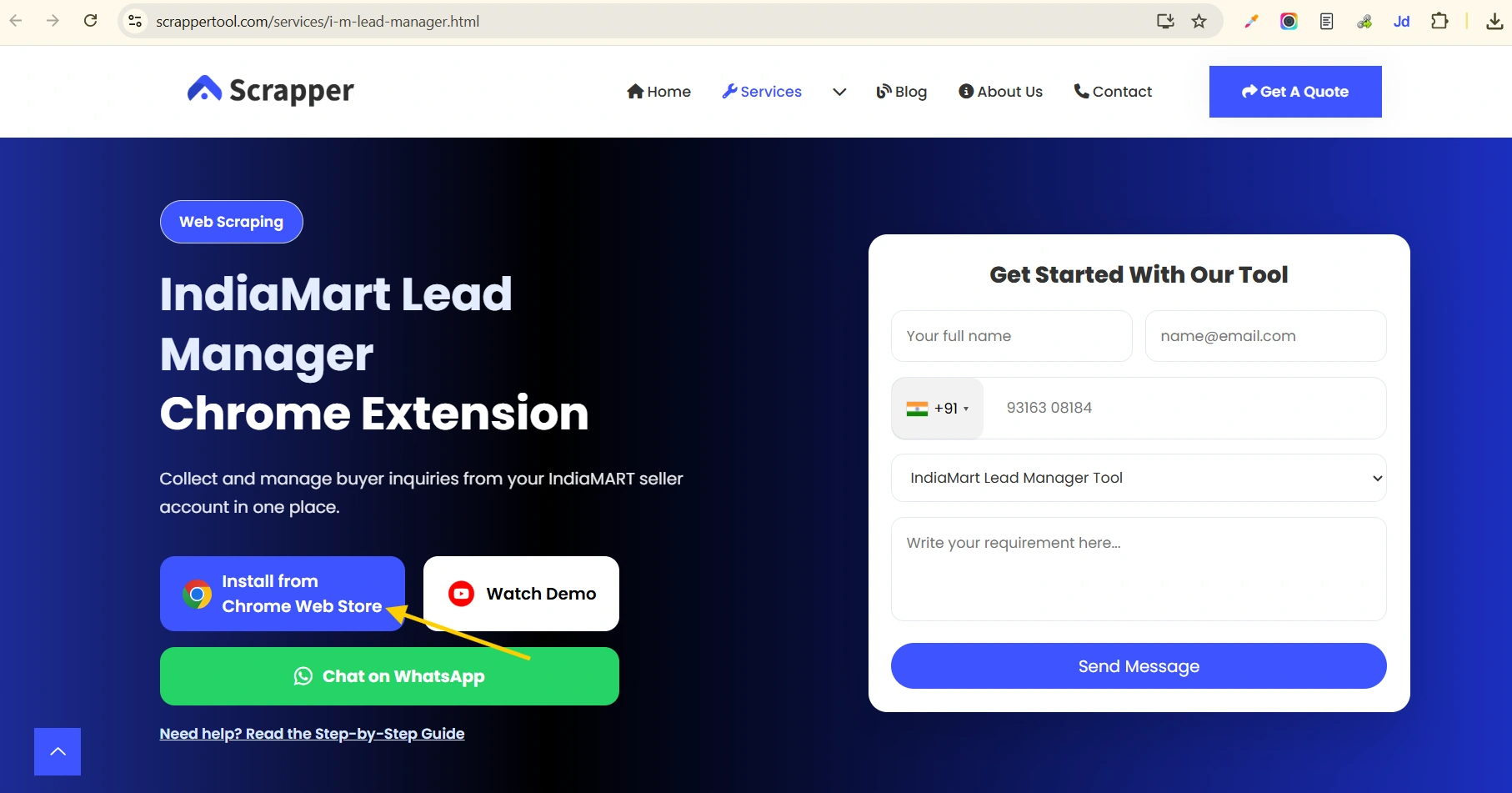
- You can Directly Go to our Indiamart Lead Manager page to Install it.Click on the text you will redirect to the Indiamart Scraper Tool in Chrome Web Store.
- If you are a seller on India mart then you can use our Indiamart Lead Extractor Tool.
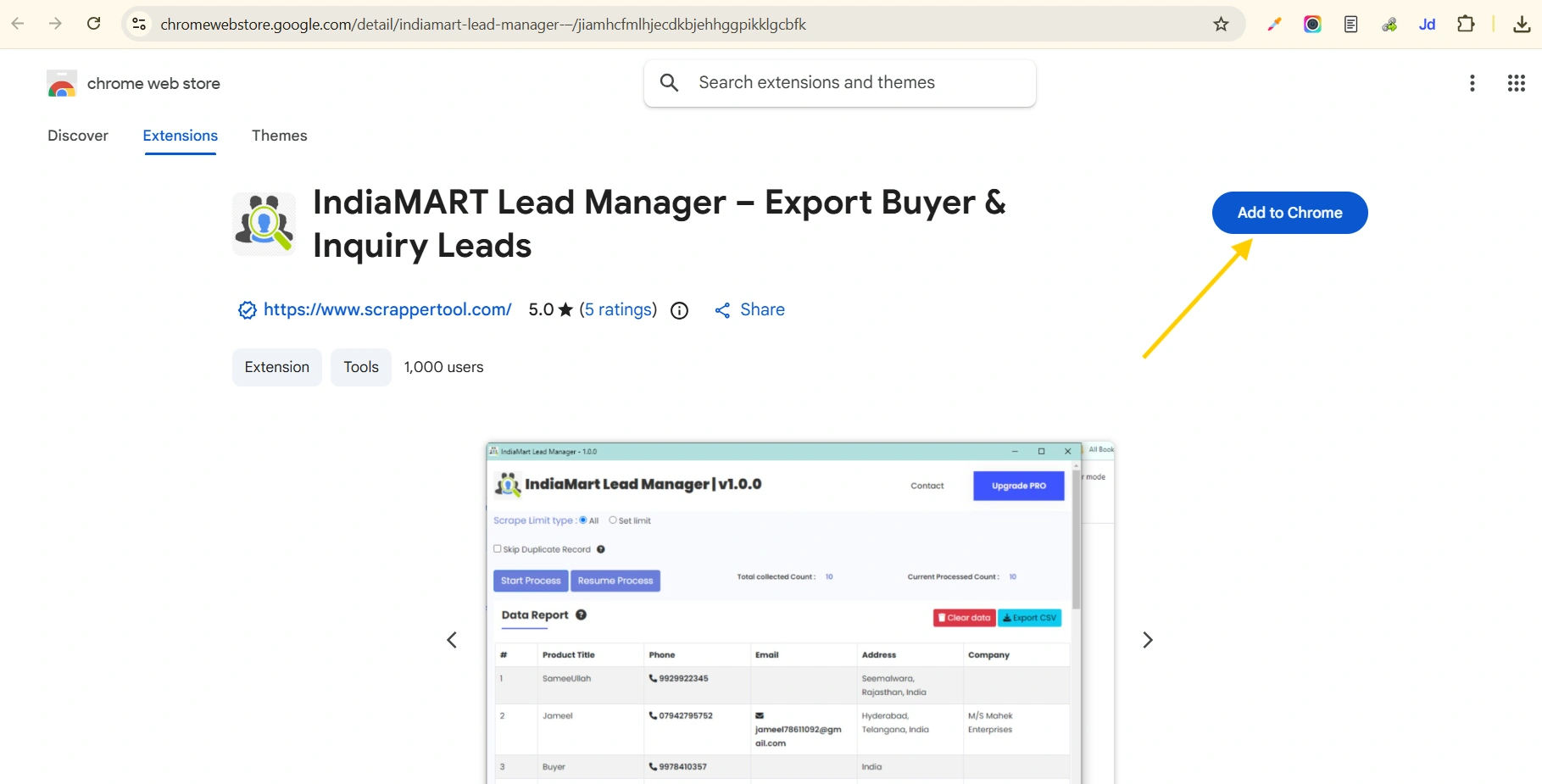
- After clicking on the button you can see the below popup on your screen. Click on the “Add extension” Button.
- After clicked on “Add extension” button you will see the below screen and start free version of your lead manager scrapper tool.
Activate the IndiaMart Lead Manager Scrapper Tool
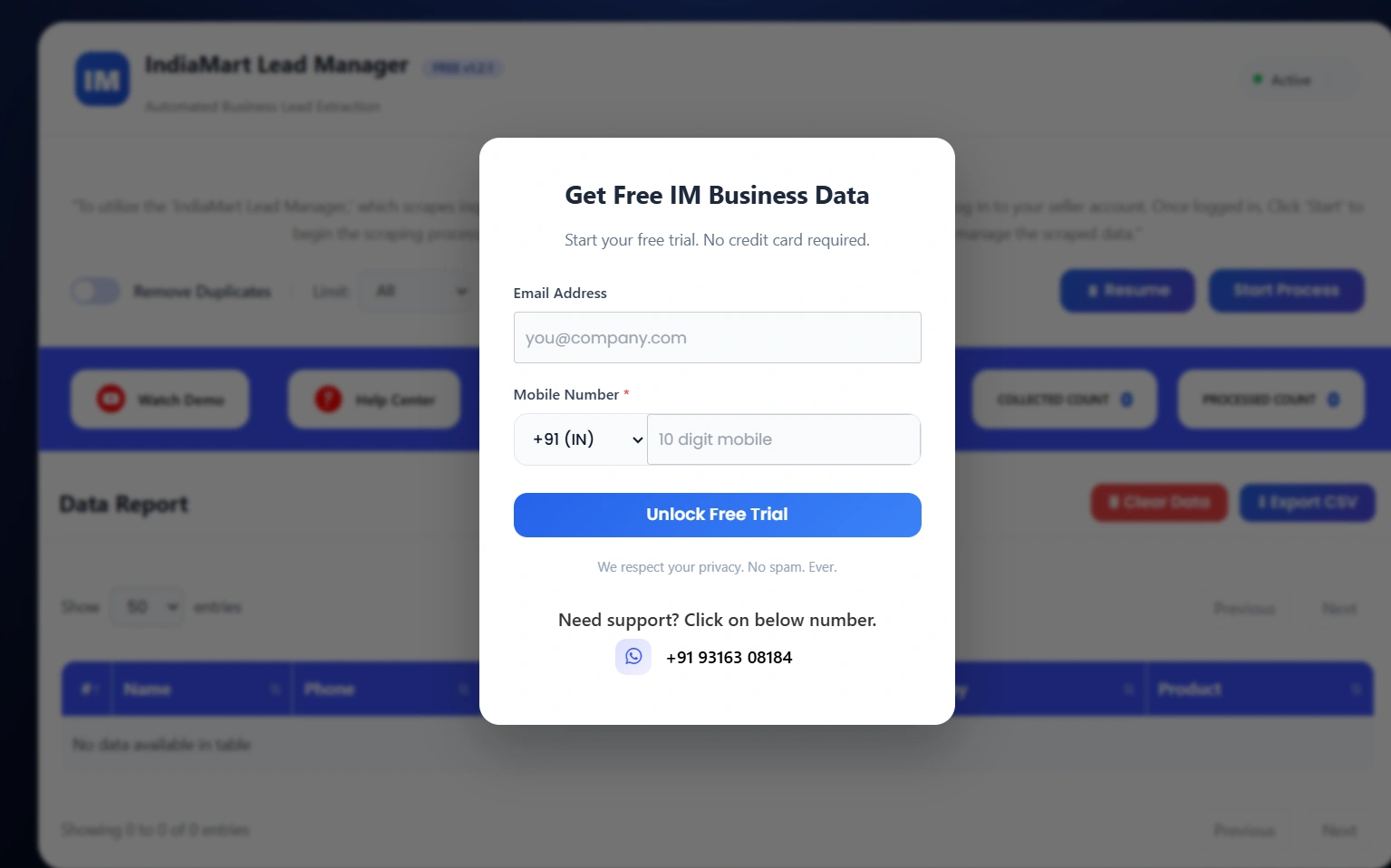
Click the pinned IndiaMart Lead Manager Scraper Tool icon to open the popup. Fill in the short form shown there to activate the tool and prepare it for use.
Read Also:- How to use Tradeindia Data Extractor
Start Scraping data from Indiamart Lead Manager Scraper Tool
- Now you can see the below screen.
- Now as Described in the screenshot
“To utilize the ‘IndiaMart Lead Manager,’ which scrapes inquiry and buyer data from IndiaMart’s Lead Manager, you must first log in to your seller account. Once logged in, Click ‘Start’ to begin the scraping process, wait for it to complete, and optionally export the data. Review and manage the scraped data.”
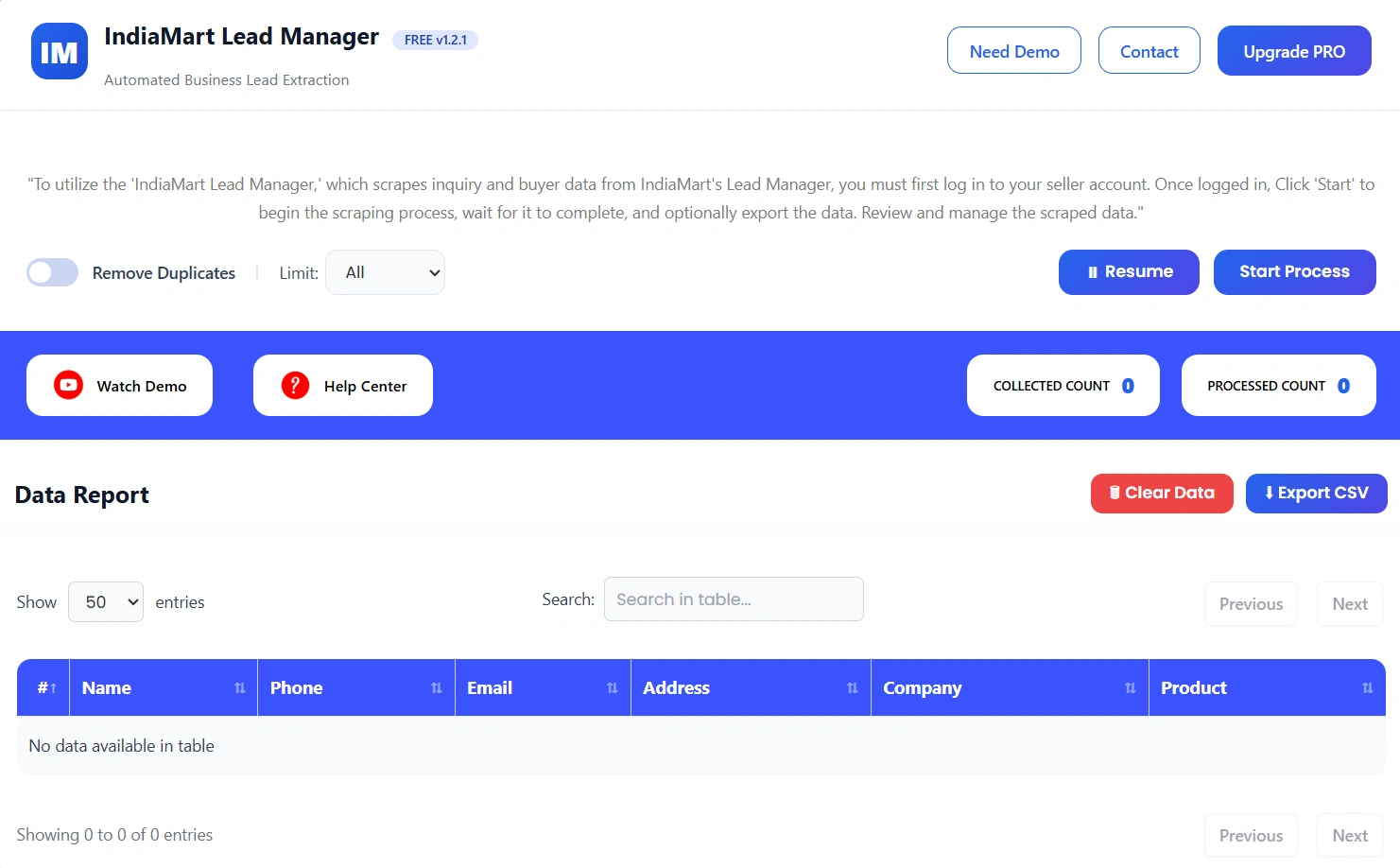
- Set Scrape Limit Type
- If you want to Skip Duplicate Record check on the checkbox
- Click on Start Process
What Is IndiaMart Lead Manager Tool?
The IndiaMart Lead Manager Tool is a lead extraction tool designed specifically for IndiaMart sellers. It allows users to collect buyer inquiry data directly from their Lead Manager dashboard without manual copying.
All data is organized in a structured format, making it easy to manage and export leads.
Who Should Use This Tool?
This tool is ideal for:
- IndiaMart sellers
- Sales teams
- Lead management teams
- B2B businesses
- Exporters & suppliers
Anyone managing large volumes of inquiries can benefit from this tool.
Use Cases
Lead Management
Organize and manage buyer inquiries efficiently.
Sales Follow-ups
Quickly contact leads using extracted data.
CRM Integration
Import leads directly into CRM systems.
Business Growth
Track and analyze inquiry trends for better decisions.
Benefits of Using IndiaMart Lead Manager Tool
- No manual copy-paste
- Works directly inside your account
- Saves time and effort
- Beginner-friendly interface
- Clean and structured data
- Fast CSV export
Important Notes (VERY IMPORTANT 🔥)
- You must be logged into your IndiaMart seller account
- Tool works only on Lead Manager page
- Avoid extracting too many leads at once
- Use “Skip Duplicate” option for clean data
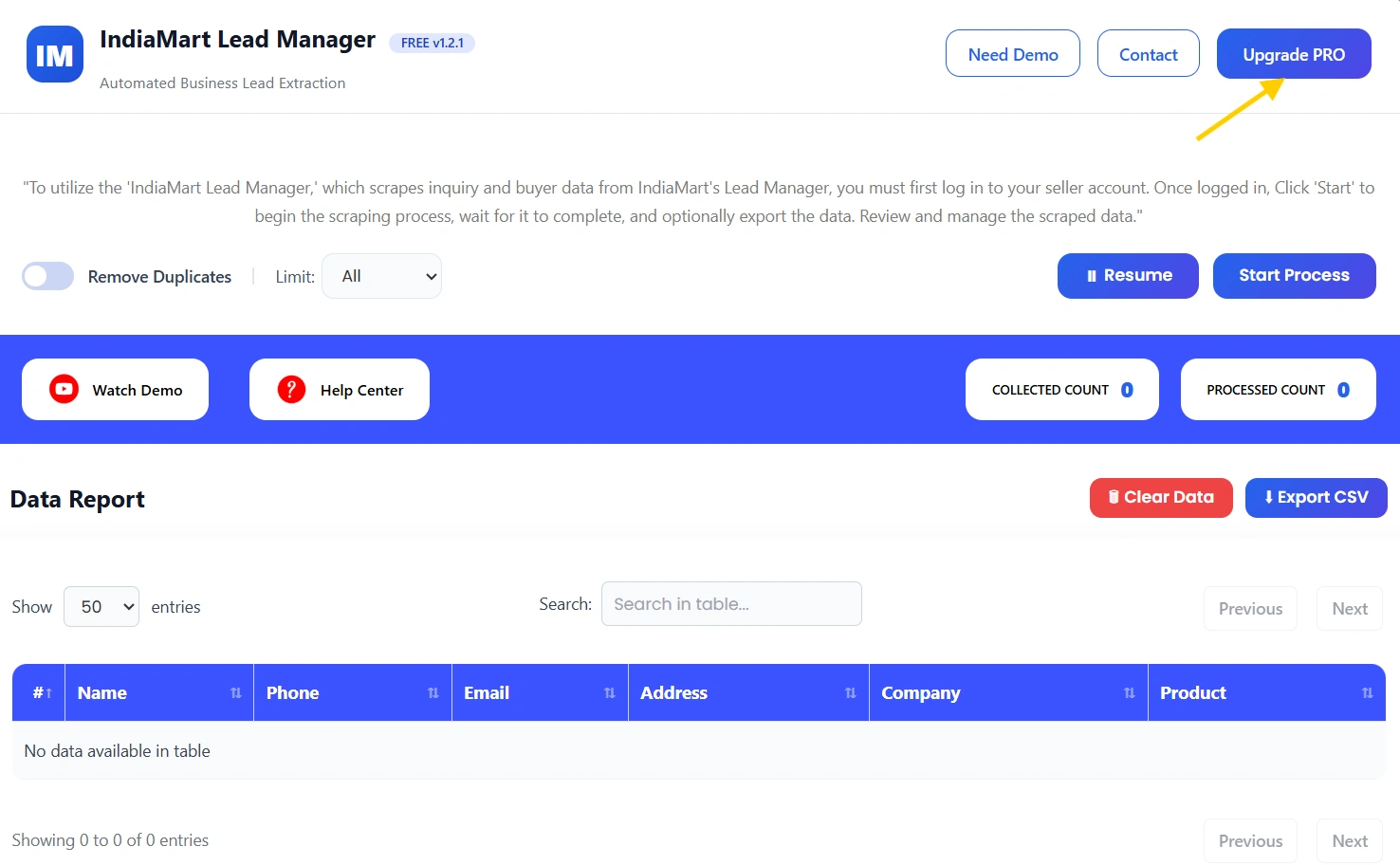
Upgrade to IndiaMart Lead Manager Tool Pro
For higher limits and advanced lead management, you can upgrade to the Pro version.
The Pro plan is ideal for businesses handling large volumes of inquiries.
Contact Details
- Email us:- info.scrappertool@gmail.com
- Call us:- +91 93163 08184
